

Modern businesses rely on cloud productivity tools.
Email, document sharing, collaboration, and security all depend on a reliable platform.
Two solutions dominate this space:
Both offer cloud-based productivity tools.
Both support collaboration and remote work.
However, their approach, features, and ecosystem differ.
For companies in the UAE, the right choice depends on scalability, security, integrations, and long-term business needs.
This guide compares Microsoft 365 and Google Workspace from a business perspective.
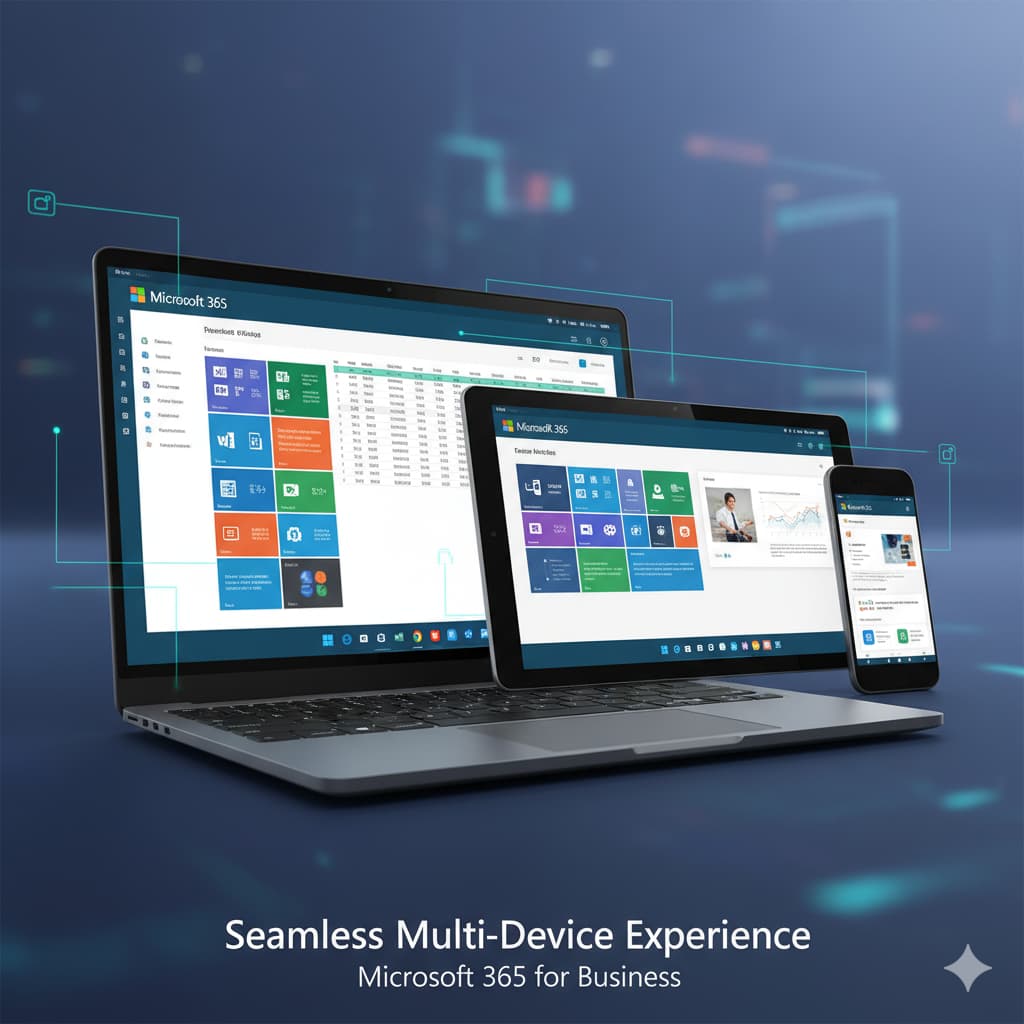
Overview of Microsoft 365 and Google Workspace
Microsoft 365 and Google Workspace provide cloud-based productivity tools. These platforms allow teams to collaborate, communicate, and manage documents from any location.
Microsoft 365 includes applications like Word, Excel, Outlook, PowerPoint, Teams, and SharePoint. Businesses already familiar with Microsoft Office often adopt this platform because the interface and workflows remain consistent.
Google Workspace focuses on web-based tools such as Gmail, Google Docs, Google Sheets, Google Slides, and Google Meet. These applications run directly in a browser and emphasize real-time collaboration.
The key difference lies in how each platform handles business workflows.
Microsoft 365 combines traditional desktop applications with cloud services. Teams can work online or offline. Files sync automatically through OneDrive.
Google Workspace relies primarily on browser-based tools. This makes collaboration fast but may limit advanced document editing capabilities compared to Microsoft desktop applications.
For companies that rely heavily on Excel, Outlook, and enterprise integrations, Microsoft 365 often becomes the preferred option.
Businesses looking for a lightweight collaboration suite sometimes choose Google Workspace.
Organizations searching for Microsoft 365 for Business UAE solutions often prefer the Microsoft ecosystem because it integrates with enterprise software, ERP systems, and advanced security frameworks.
Core Components of Microsoft 365
Microsoft 365 offers a complete productivity ecosystem designed for businesses of all sizes.
Core applications include:
Outlook for business email
Word for document creation
Excel for data analysis
PowerPoint for presentations
Microsoft Teams for communication
OneDrive for cloud storage
SharePoint for document management
These tools work together within a single environment. Users can move files between applications without switching platforms.
Microsoft Teams acts as the central hub for communication. It combines chat, video meetings, file sharing, and project collaboration.
SharePoint adds enterprise-level document management. Businesses can create internal portals, automate workflows, and manage permissions across teams.
Another advantage is the availability of desktop and web versions. Employees can work offline using desktop apps and sync their work later.
This flexibility makes Microsoft 365 a strong choice for companies with complex workflows or advanced data processing needs.
Core Components of Google Workspace
Google Workspace focuses on simplicity and browser-based collaboration.
The platform includes:
Gmail for business email
Google Docs for documents
Google Sheets for spreadsheets
Google Slides for presentations
Google Meet for video meetings
Google Drive for storage
All applications run primarily in the browser.
Teams can collaborate on the same document in real time. Multiple users can edit files simultaneously while changes appear instantly.
Google Workspace also integrates easily with many third-party applications through the Google Marketplace.
The platform works well for startups and remote teams that rely heavily on online collaboration.
However, advanced spreadsheet functions, document formatting, and enterprise workflows can be limited compared to Microsoft desktop applications.
Companies with complex reporting requirements often prefer Excel because of its powerful analytics capabilities.
Key Feature Comparison: Microsoft 365 vs Google Workspace
Feature comparison helps businesses identify which platform supports their workflow.
Both platforms offer email hosting, cloud storage, document creation tools, and video conferencing.
However, the depth of functionality varies significantly.
Microsoft 365 focuses on enterprise productivity and advanced document capabilities.
Google Workspace focuses on lightweight collaboration and browser-based work environments.
Another difference appears in storage architecture.
Microsoft uses OneDrive and SharePoint for structured document management. Businesses can organize files with permission layers and departmental access.
Google Workspace stores files mainly in Google Drive. This system works well for smaller teams but may become difficult to manage in large organizations.
Integration with enterprise tools also differs.
Microsoft integrates with Power BI, Dynamics 365, Azure, and hundreds of business applications.
Google Workspace integrates with many SaaS tools but lacks the same enterprise software ecosystem.
For organizations planning long-term digital transformation, the Microsoft ecosystem often provides stronger scalability.
Email and Communication Tools
Email remains a core business tool.
Microsoft 365 uses Outlook with Exchange Online. This platform supports advanced mailbox management, calendar scheduling, and enterprise email security.
Organizations can create shared mailboxes, automated rules, and advanced filtering systems.
Google Workspace uses Gmail for business email. The interface is clean and simple, making it easy for teams to manage communication.
However, Outlook offers deeper features for business environments.
These include:
advanced meeting scheduling
integrated calendars
mailbox delegation
compliance policies
Communication tools also differ.
Microsoft Teams combines chat, meetings, voice calls, and file collaboration.
Google Meet focuses mainly on video conferencing.
Companies looking for an all-in-one communication platform often prefer Teams because it centralizes messaging and collaboration.
Pricing Comparison for UAE Businesses
Pricing often influences the decision between Microsoft 365 and Google Workspace.
Both platforms operate on subscription models with monthly or yearly plans.
Microsoft 365 offers several business plans including:
Microsoft 365 Business Basic
Microsoft 365 Business Standard
Microsoft 365 Business Premium
Each plan includes different combinations of cloud services and desktop applications.
Google Workspace provides plans such as:
Business Starter
Business Standard
Business Plus
The base pricing of both platforms is similar.
However, Microsoft plans often include desktop applications such as Word and Excel. These tools alone provide significant value for many organizations.
Google Workspace plans focus mostly on browser-based tools.
Companies that rely heavily on spreadsheets, financial modeling, and advanced document formatting often see higher productivity with Microsoft 365.
Cost also depends on scalability.
Large companies sometimes prefer Microsoft licensing because it integrates with enterprise identity management systems and existing IT infrastructure.
Cost vs Value for Businesses
Pricing should not be evaluated alone.
Businesses must consider long-term value.
Microsoft 365 delivers strong value because it combines:
desktop applications
cloud services
communication tools
enterprise security
Organizations using Excel for reporting or financial operations benefit greatly from Microsoft tools.
Google Workspace can be cost-effective for startups with small teams.
However, as companies grow, they often require advanced features such as workflow automation, security controls, and document governance.
These capabilities are stronger in Microsoft 365.
For this reason, many UAE enterprises migrate from Google Workspace to Microsoft platforms as their operations expand.
Security and Compliance for Businesses in UAE
Security is critical for organizations handling sensitive data.
Microsoft 365 offers enterprise-grade protection through multiple layers.
Key security features include:
Microsoft Defender protection
multi-factor authentication
advanced threat protection
data loss prevention policies
compliance management tools
These features help businesses meet regulatory requirements and protect data from cyber threats.
Microsoft also integrates security with Azure Active Directory. This allows centralized identity management across applications and devices.
Google Workspace also provides strong security.
It includes two-factor authentication, spam protection, and secure cloud storage.
However, Microsoft offers deeper enterprise security tools, especially for large organizations.
Companies in sectors like finance, healthcare, and government often prefer Microsoft due to stronger compliance frameworks.
Data Protection and Compliance
Data protection regulations require organizations to control how information is stored and accessed.
Microsoft 365 provides advanced compliance tools such as:
audit logs
data retention policies
legal hold features
compliance manager dashboards
These tools help companies monitor activity and maintain regulatory standards.
Google Workspace offers basic compliance tools but fewer enterprise-level governance features.
Businesses managing sensitive data often require stronger control over document access, user permissions, and audit reporting.
Microsoft platforms provide more advanced options in these areas.
For enterprises operating in regulated industries, Microsoft 365 often becomes the safer long-term choice.
Collaboration and Productivity Tools Comparison
Both platforms support teamwork and remote collaboration.
Microsoft Teams integrates chat, video meetings, file sharing, and project discussions in one interface.
Teams also connects directly with SharePoint and OneDrive. Documents shared in conversations automatically sync across the system.
Google Workspace focuses on real-time editing within Google Docs, Sheets, and Slides.
Multiple users can edit files simultaneously with minimal delay.
This approach works well for collaborative writing and brainstorming sessions.
However, complex spreadsheets, financial models, and large data sets often perform better in Excel.
For organizations relying on advanced reporting, Microsoft 365 offers stronger productivity tools.
Real-Time Collaboration
Google Workspace built its reputation around real-time collaboration.
Users can open the same document and edit simultaneously.
Changes appear instantly, making teamwork simple.
Microsoft 365 now provides similar collaboration features through cloud-based Office apps and OneDrive synchronization.
Teams can edit Word, Excel, and PowerPoint files together in real time.
The difference lies in feature depth.
Microsoft applications include advanced editing tools and formatting capabilities.
Google apps prioritize simplicity and speed.
For companies with structured documentation processes, Microsoft provides more control and flexibility.
Integration and Business Scalability
Scalability matters for growing organizations.
Microsoft 365 connects with a wide range of enterprise platforms including:
Microsoft Azure
Dynamics 365
Power BI
ERP systems
These integrations allow businesses to expand their digital infrastructure without replacing their productivity platform.
Google Workspace integrates well with many SaaS tools but has fewer enterprise software connections.
Microsoft also supports automation through Power Automate.
Businesses can automate workflows, approvals, and reporting processes.
This improves operational efficiency.
Organizations planning long-term digital transformation often choose Microsoft because it supports a wider ecosystem.
Workflow Automation
Automation reduces repetitive work.
Microsoft Power Automate allows businesses to create automated workflows between apps.
Examples include:
approval workflows
document routing
automated notifications
CRM integrations
These automations save time and reduce manual tasks.
Google Workspace supports automation through scripts and third-party tools.
However, Microsoft automation tools are more accessible for business users without coding knowledge.
This makes it easier for organizations to streamline operations.
Why Many UAE Businesses Prefer Microsoft 365
Many organizations across the UAE choose Microsoft 365 because it supports enterprise productivity.
Several factors influence this decision.
First, Microsoft Office remains the global standard for business documents.
Second, Microsoft provides stronger enterprise integrations and analytics tools.
Third, the platform offers advanced security and compliance capabilities.
Companies also benefit from desktop applications combined with cloud collaboration.
Employees can work offline while maintaining cloud synchronization.
Organizations looking for professional deployment support often partner with providers offering Microsoft 365 for Business UAE services.
These partners handle migration, setup, and ongoing management.
Enterprise-Level Productivity
Enterprise organizations require structured workflows and document governance.
Microsoft 365 supports these needs through SharePoint and Teams integration.
Departments can maintain dedicated workspaces with controlled access permissions.
Large files and complex documents also perform better in desktop applications like Excel and PowerPoint.
This ensures consistent productivity across teams.
Businesses that rely heavily on reporting, financial modeling, and structured documentation usually achieve better results with Microsoft tools.
How CloudSync Technologies Helps Businesses Implement Microsoft 365
CloudSync Technologies supports companies in adopting Microsoft 365 solutions across the UAE.
The process includes planning, migration, deployment, and support.
Businesses receive assistance with:
email migration
Microsoft Teams setup
SharePoint configuration
user management and security
cloud storage integration
The goal is to ensure a smooth transition without disrupting daily operations.
CloudSync also provides ongoing technical support and optimization services.
Organizations searching for Microsoft 365 for Business UAE solutions can rely on CloudSync for secure implementation and long-term system management.
Migration and Deployment Support
Migration from legacy systems requires careful planning.
CloudSync handles the technical aspects of transferring email accounts, documents, and collaboration tools.
This includes:
secure data migration
user training
system configuration
security policy setup
Businesses can adopt Microsoft 365 without operational disruption.
Employees receive a familiar environment while gaining access to modern cloud tools.
Professional deployment ensures the platform runs efficiently from day one.
Final Verdict: Microsoft 365 vs Google Workspace
Both platforms offer reliable productivity tools.
Google Workspace works well for small teams that prefer browser-based collaboration.
Microsoft 365 offers stronger capabilities for growing businesses and enterprises.
Its advantages include:
advanced document tools
deeper security features
enterprise integrations
workflow automation
hybrid desktop and cloud applications
For many UAE organizations, Microsoft 365 provides a more scalable platform for long-term business growth.
Companies seeking implementation support can work with CloudSync Technologies to deploy and manage Microsoft solutions effectively.